
Learn
Guides to Windows icons that look right everywhere
Written to go along with IconEditor: which pixel sizes Windows actually uses, how to design for 16 px and 256 px at once, and how to ship the file in a C++, .NET, Electron or Tauri build.
Workflow · 9 min read
How to create a great Windows app icon: a step-by-step guide
Design principles, common mistakes, and a full walkthrough — drawing the master, scaling down, hand-tuning the small sizes, previewing, exporting and wiring the icon into your application.
Read the guide
Reference · 6 min read
Windows icon sizes cheat sheet: every context explained
Which entry Windows uses in the taskbar, Explorer, title bars, Start, desktop shortcuts and on high-DPI displays — plus the favicon sizes the web still needs.
Read the guide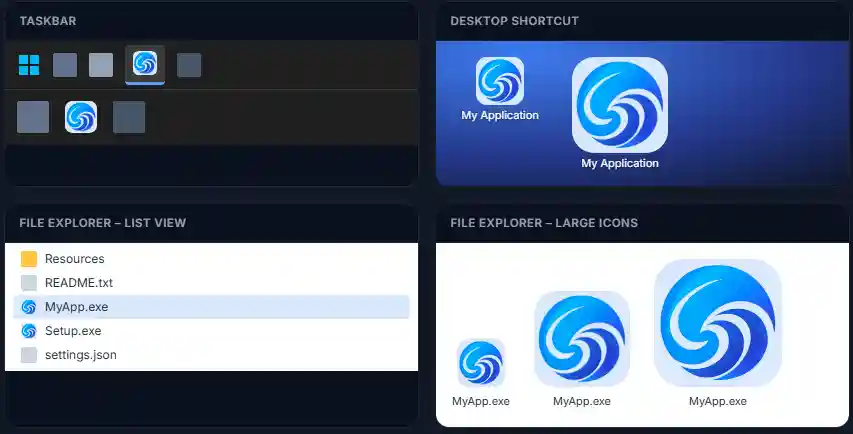
Quick answers
Short on time?
The three facts developers look up most.
- Required sizes
- 16, 24, 32, 48, 256 px — plus 64 and 128 for high DPI.
- Colour depth
- 32-bit BGRA with alpha; 256 px stored as PNG.
- Where it goes
.rcICON statement or<ApplicationIcon>.
Learn by doing
Open the editor next to a guide and follow along — it is free and needs no account. Transparency, ICO internals and privacy are covered in the FAQ.