
Learn
Guides to Windows icons that look right everywhere
Written to go along with IconEditor: which pixel sizes Windows actually uses, how to design for 16 px and 256 px at once, and how to ship the file in a C++, .NET, Electron or Tauri build.
Workflow · 9 min read
How to create a great Windows app icon: a step-by-step guide
Design principles, common mistakes, and a full walkthrough — drawing the master, scaling down, hand-tuning the small sizes, previewing, exporting and wiring the icon into your application.
Read the guide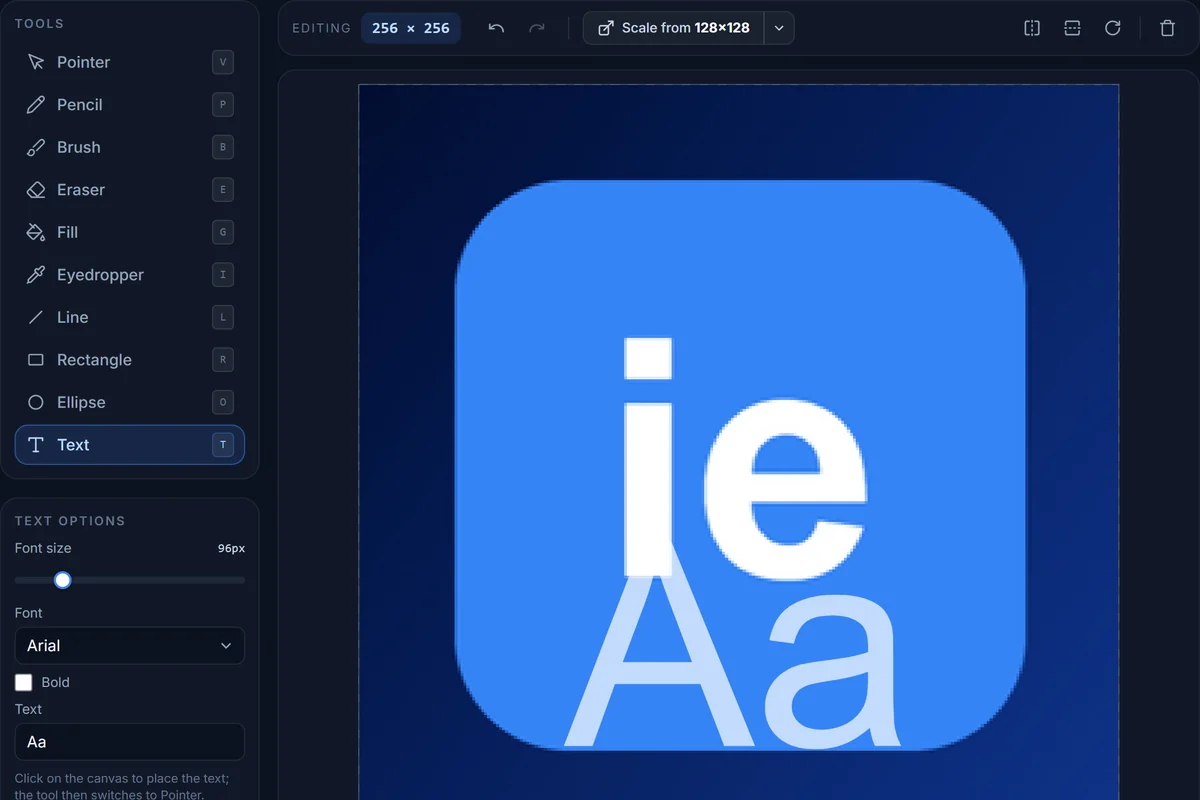
Reference · 6 min read
Windows icon sizes cheat sheet: every context explained
Which entry Windows uses in the taskbar, Explorer, title bars, Start, desktop shortcuts and on high-DPI displays — plus the favicon sizes the web still needs.
Read the guide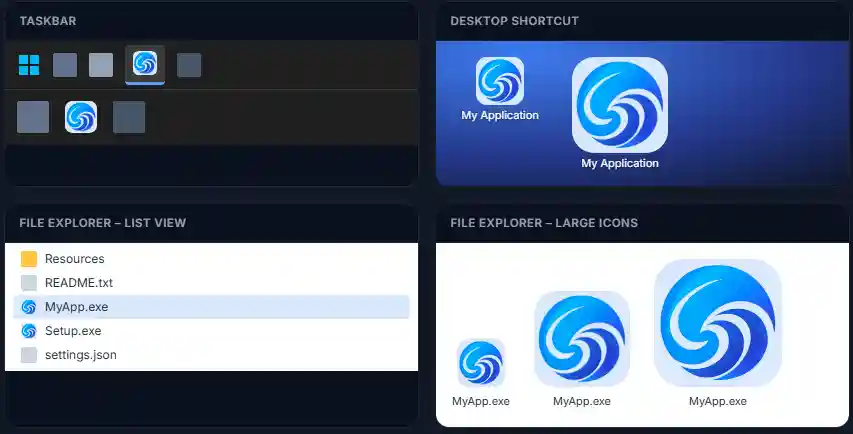
How-to · 8 min read
How to change icons on Windows 11 and 10: folders, shortcuts, drives
Where each icon setting lives, how to make the .ico you need in your browser, and what to do when Windows keeps showing the old icon.
Read the guide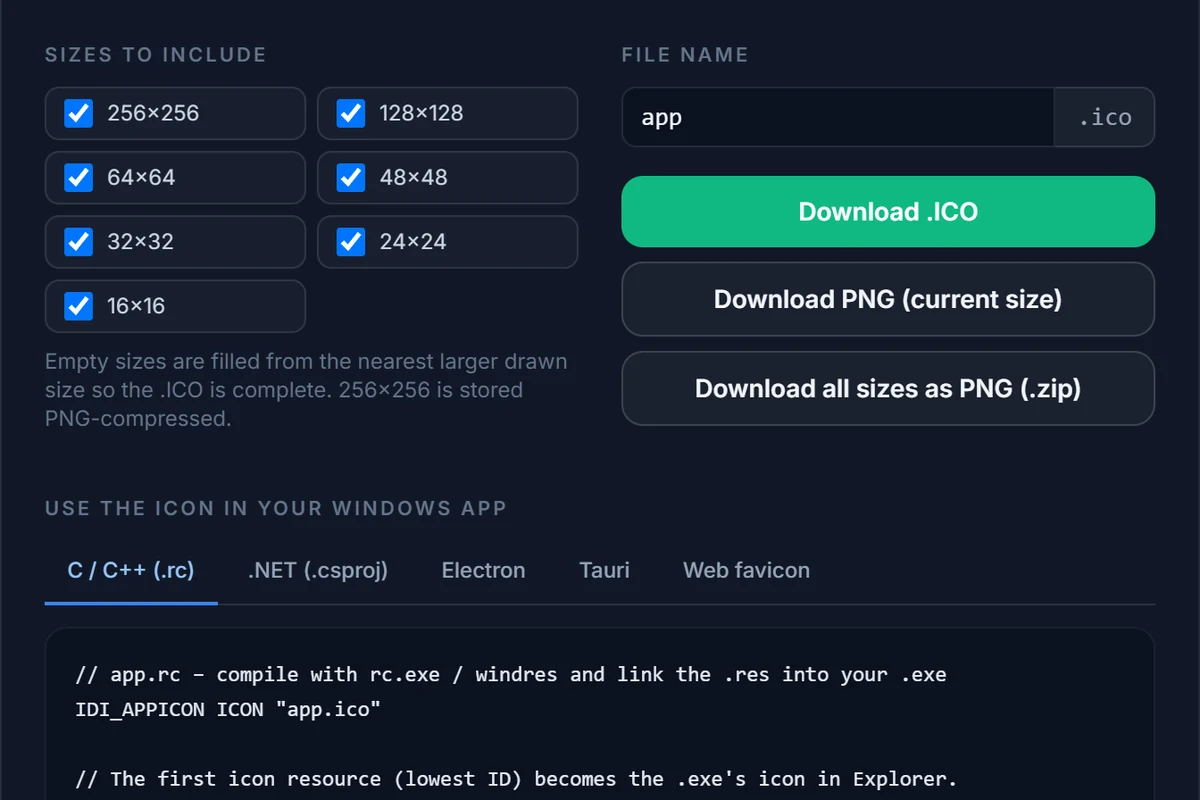
Quick answers
Short on time?
The three facts developers look up most.
- Required sizes
- 16, 24, 32, 48, 256 px — plus 64 and 128 for high DPI.
- Colour depth
- 32-bit BGRA with alpha; 256 px stored as PNG.
- Where it goes
.rcICON statement or<ApplicationIcon>.
Learn by doing
Open the editor next to a guide and follow along — it is free and needs no account. Transparency, ICO internals and privacy are covered in the FAQ.