
Free online favicon maker
Favicon generator: make a favicon.ico from your logo
Turn a PNG, JPG, WebP or SVG into a favicon.ico with 16, 32 and 48 px, touch up the tiny sizes pixel by pixel, preview it in a browser tab and copy the <link> tag. Free, transparent, nothing stored.
How it works
Make a favicon in three steps
About three minutes from logo to a file you can upload. Start from a square image of at least 256 px, or draw the favicon from scratch.
-
 01
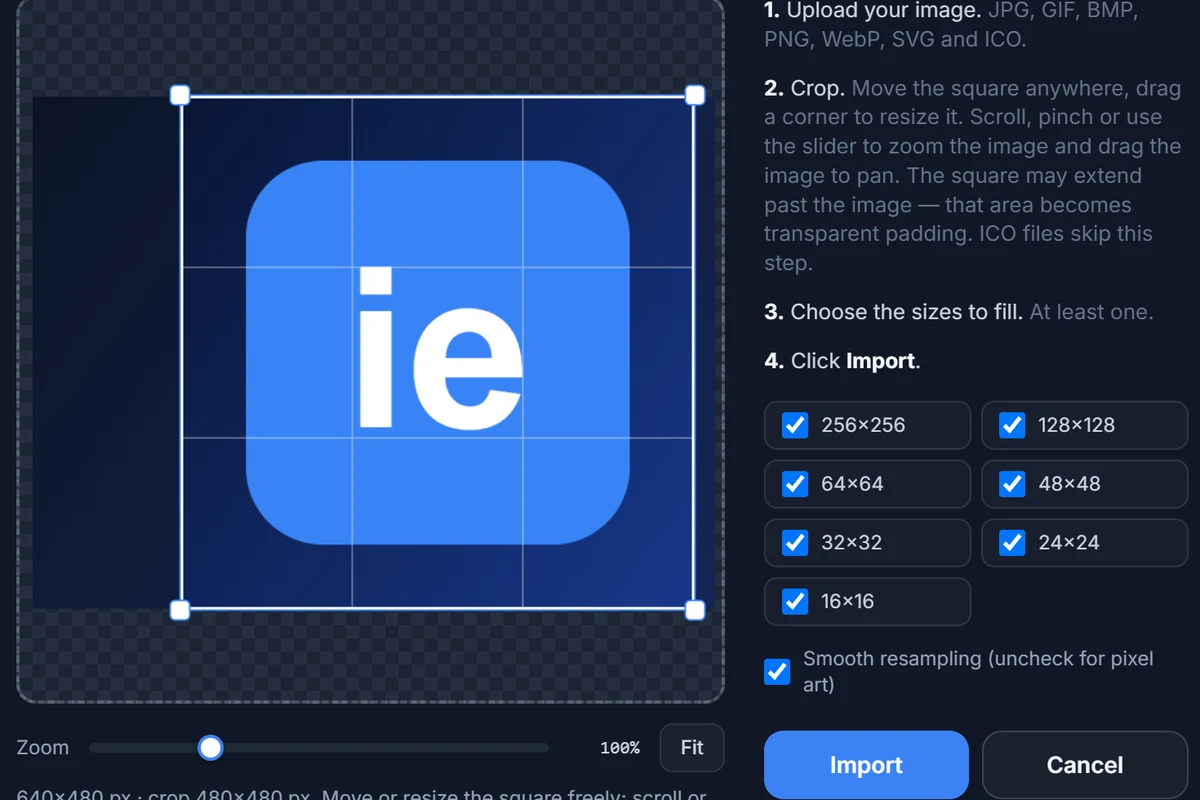
Import your logo
Press Import, choose a PNG, JPG, WebP or SVG (or drop it on the page), drag the square frame over the part you want and click Import.
-
 02
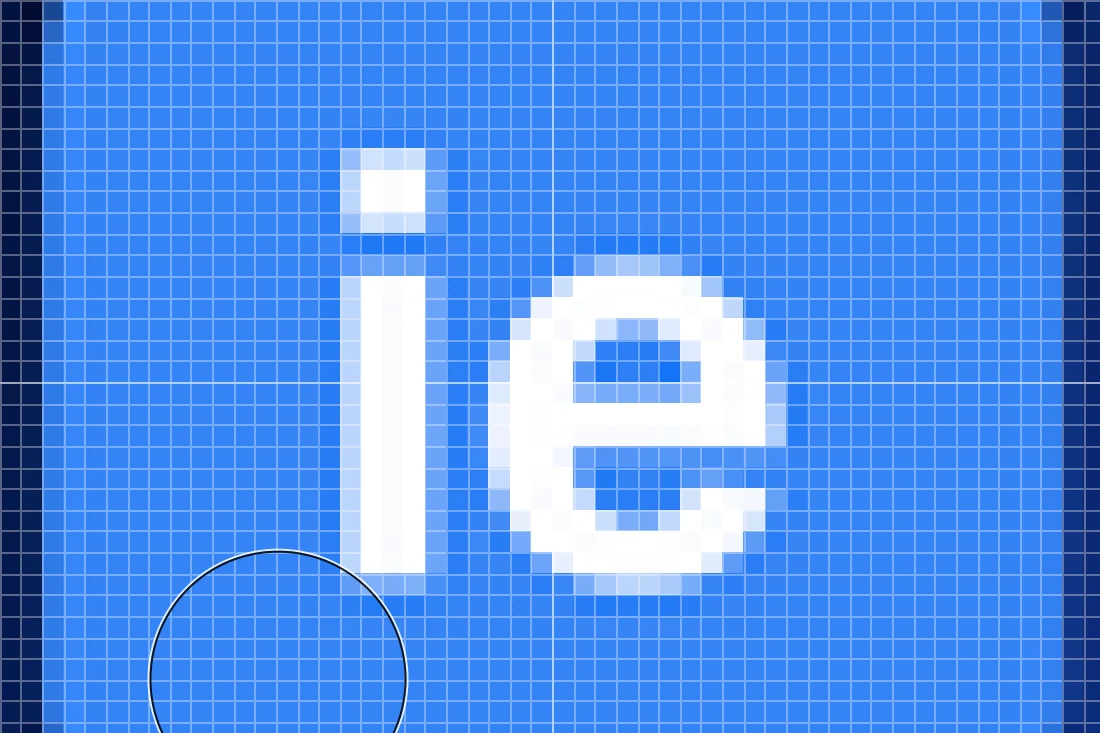
Fix the 16 and 32 px sizes
Open the small sizes on the pixel grid, drop fine detail and thicken thin lines. Open Preview to see the icon in a browser-tab mock-up.
-
 03
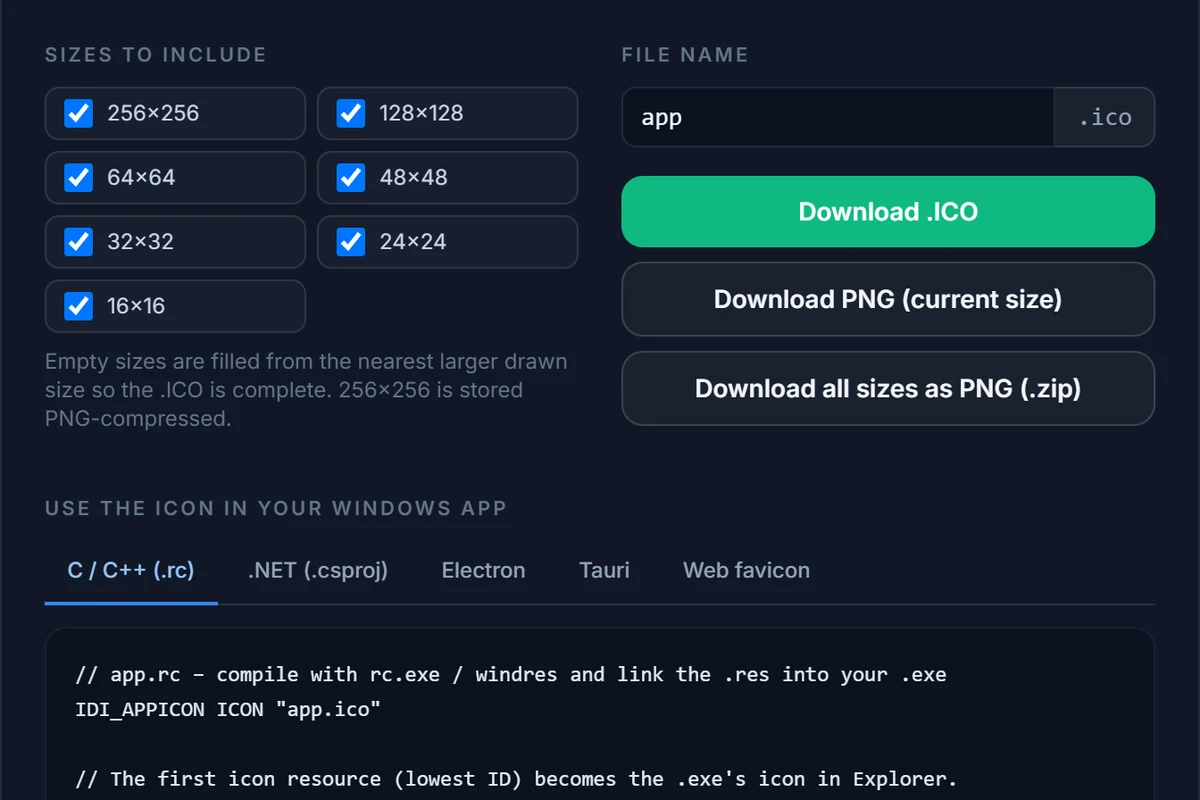
Export favicon.ico
Press Export, tick only 16, 32 and 48 px, type
faviconas the file name and click Download .ICO. The Web favicon tab shows the tag to paste.
Which files
favicon.ico, Apple touch icon, PNG and SVG
What each file is for, and which of them IconEditor makes for you.
| File | Used for | From IconEditor? |
|---|---|---|
favicon.ico (16, 32, 48 px) | Every desktop browser, bookmarks, tools that request /favicon.ico without reading your HTML | Yes. Tick 16, 32 and 48 px when you export. |
| PNG at 16 / 32 / 48 px | Explicit <link rel="icon" type="image/png" sizes="32x32"> tags | Yes. Download PNG for one size, or a ZIP of all ticked sizes. |
apple-touch-icon.png (180 px) | iPhone and iPad home screen | Partly. Export the 256 px PNG and scale it to 180 px in an image tool; there is no 180 px slot. |
| PNG 192 and 512 px | Android, PWAs, the web app manifest | No. The largest size is 256 px. Scale your original artwork to 192 and 512 px in an image tool. |
icon.svg | Modern browsers; scales to any size | No. IconEditor does not write SVG. If your logo is already an SVG, upload it as it is next to the .ico. |
manifest.webmanifest | Names and icons for installable web apps | No. You write this file by hand (three lines are enough to start). |
For a typical website — a blog, a shop, a company page — the .ico plus an Apple touch icon is all you need. Larger PNGs matter only if people install your site as an app.
Add it to your site
The <link> tags to copy
Upload the files to your site root, then add the tags inside <head>.
Minimal: just the .ico
<link rel="icon" href="/favicon.ico" sizes="any">This is exactly the snippet on the Web favicon tab of the export dialog. Browsers also request /favicon.ico by themselves when no tag is present, so the file in the site root works even without it.
Recommended: ico + SVG + Apple touch icon
<link rel="icon" href="/favicon.ico" sizes="32x32">
<link rel="icon" href="/icon.svg" type="image/svg+xml">
<link rel="apple-touch-icon" href="/apple-touch-icon.png">
<link rel="manifest" href="/manifest.webmanifest">
When you also ship an SVG icon, write sizes="32x32" on the .ico link: Chrome can otherwise prefer the .ico over the SVG. Leave the SVG and manifest lines out if you do not have those files.
What Google Search looks for
Google shows your favicon next to the result in mobile and desktop search. Its guidelines ask for a square image whose size is a multiple of 48 px (the 48 px entry in your .ico qualifies), one favicon for the whole site, a stable URL, a page that Googlebot is allowed to crawl and a file that is not blocked in robots.txt. After a change, give it days to weeks to appear in results.
Design
A favicon that still reads at 16 pixels
The whole icon is about as tall as a lowercase letter.

One shape, one or two colours
Use the initial or the simplest part of the logo. A wordmark that is readable at 200 px is a smudge at 16 px.
Edit the 16 px version by hand
Automatic shrinking blurs one-pixel lines. On the pixel grid you can place each of the 256 pixels yourself; it takes five minutes and shows.
Check light and dark tabs
Browsers show the favicon on both light and dark backgrounds. Preview the icon on both and avoid pure black or pure white fills on a transparent background.
Keep transparency deliberately
A transparent favicon blends into the tab; a coloured rounded square stays visible on any theme. Use Background and Corners under the canvas to choose.
The principles are the same as for a Windows application icon, which is why the same file can serve both. The icon design guide and the sizes cheat sheet go deeper.
What is a favicon?
A favicon is the small icon a browser shows next to the page title in a tab, in bookmarks and in the history; search engines such as Google also show it beside your result on mobile. The name comes from “favorite icon”. Technically it is a small image — traditionally a multi-size favicon.ico in the site root, nowadays often accompanied by an SVG and a PNG for phones.
Which favicon sizes do I need?
A favicon.ico containing 16, 32 and 48 px covers every desktop browser and satisfies Google’s “multiple of 48 px” rule. Add an apple-touch-icon of 180 × 180 px for the iOS home screen and, if you ship a web app, 192 and 512 px PNGs in the web manifest. IconEditor makes the .ico and PNGs at its seven sizes (up to 256 px); the 180, 192 and 512 px files you have to make with an image tool.
Does this generator create the full favicon package?
No, and it is honest about that. It creates the favicon.ico and gives you PNGs at 16, 24, 32, 48, 64, 128 and 256 px, plus the <link> snippet. It does not generate 180, 192 or 512 px files, a web manifest or a browserconfig file. For most sites the .ico plus an apple-touch-icon is plenty; if you need the full set, use this to design the icon and a package generator to size it.
Should I use ICO, PNG or SVG for my favicon?
All three work. The .ico is the one every browser and many tools still request automatically at /favicon.ico, so ship it. An SVG scales to any size and can follow dark mode, but older browsers ignore it. A PNG is the simplest format for the Apple touch icon. A common, robust set is favicon.ico + SVG + 180 px PNG.
Can I make a favicon from a JPG or an SVG?
Yes. JPG, PNG, WebP, GIF, BMP and SVG all import the same way. A JPG has no transparency, so the favicon is a full square unless you erase the background or set corners. An SVG is rasterised at 1024 px and scaled down, which gives the cleanest result.
Why does my favicon not change after I upload a new one?
Browsers cache favicons aggressively, often independently of the page. Reload with Ctrl+F5, open the file’s URL directly and refresh it, or give the new file a different name (for example favicon-v2.ico) and update the link. Search results can take days or weeks to pick up a change.
Is the generator free, and are my images stored?
Free, with no account or watermark. Your image is converted in memory on our server and discarded straight away; your work-in-progress is saved in your own browser only. See the privacy policy.
Related
Keep going
Make your favicon now
The editor opens with the import dialog ready. Free, in your browser, nothing installed and nothing stored.